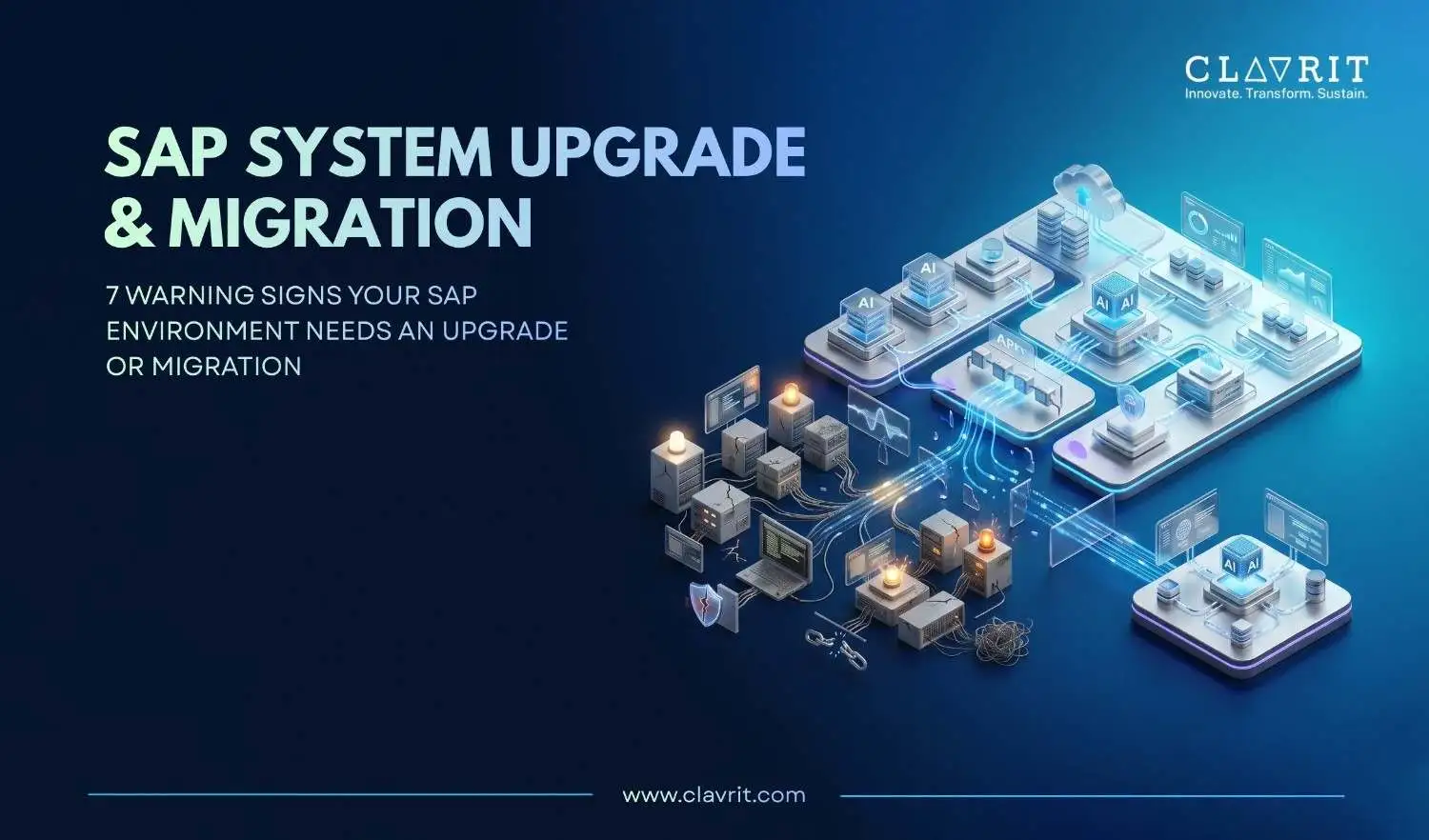
Recognizing the SAP system upgrade signs early gives organizations more time to assess their options, fix avoidable problems, and plan a controlled transition. For organizations still running applicable SAP Business Suite 7 core applications, SAP's mainstream maintenance ends at the end of 2027, followed by optional extended maintenance through 2030 at a two-percentage-point premium.
One naming point matters in 2026: SAP Business Suite 7 refers to the legacy applications covered by SAP's maintenance strategy, while SAP Business Suite is also the name SAP now uses for its current portfolio of cloud applications, data, and AI. The two should not be confused.
If your SAP environment is showing several of the following signs, migration should move from a future consideration to an active planning discussion.
Sign 1: You Are Running SAP ECC Without a Migration Plan
For SAP Business Suite 7 core applications, including the latest three enhancement packages of SAP ERP 6.0, mainstream maintenance runs until December 31, 2027. Optional extended maintenance is available from 2028 through the end of 2030 with a two-percentage-point premium.
The exact maintenance position still depends on the specific SAP release, enhancement package, database, and technology stack. SAP's Product Availability Matrix (PAM) and relevant SAP Notes are the authoritative sources for checking an individual system.
SAP Product Availability Matrix
Before you conclude this
The deadline does not mean every ECC environment must migrate immediately. It means the organization should understand its maintenance position, business requirements, migration options, budget, customizations, and dependencies early enough to make a deliberate decision.
For companies considering a move to SAP S/4HANA Cloud, RISE with SAP is another option to evaluate. SAP positions RISE with SAP as a transformation offering for moving on-premises ERP to the cloud, with methodology, migration support, and cloud ERP capabilities.
You can also explore Clavrit's SAP implementation guide for an overview of implementation and migration approaches.
Sign 2: System Performance Is Degrading Under Current Workloads
Slow batch processing, long month-end closing cycles, database growth, and peak-time errors are practical warning signs that your SAP environment needs investigation.
However, poor performance does not automatically mean migration is the answer. Sizing problems, custom code, missing archiving, poorly optimized jobs, database issues, integrations, and configuration can all create performance problems.
Before you conclude this
Start with evidence. An EarlyWatch Alert, workload analysis, database growth review, archiving assessment, custom code profiling, batch-job analysis, and sizing review can help determine whether the problem is architectural or operational.
That distinction matters because a tuning exercise may solve one problem, while a migration addresses a much larger set of technical and business limitations.
Sign 3: Customizations Are Blocking Every Upgrade Attempt
Years of modifications can make a stable SAP environment increasingly difficult to maintain.
Custom code itself is not automatically a reason to migrate. The problem appears when customizations create dependencies, complicate upgrades, prevent standard functionality from being adopted, or require significant effort every time the SAP environment changes.
SAP's clean-core direction puts greater emphasis on keeping the ERP core standard and using appropriate extensibility approaches around it.
A recent SAP finance modernization guide reports that 38% of SAP organizations surveyed said they had prioritized modernizing or eliminating custom processes to improve agility for future updates.
Before you conclude this
Create a custom-code inventory and classify developments into three groups:
Keep because they provide genuine business value
Replace with standard SAP functionality
Redesign using modern extensibility
This gives the migration team a much clearer starting point than treating every customization as equally important.
Sign 4: Integration With Modern Systems Is Becoming Unmanageable
Modern enterprises rarely operate SAP in isolation. ERP systems exchange information with CRM platforms, data warehouses, cloud applications, e-commerce platforms, analytics tools, banks, suppliers, and other enterprise systems.
When integrations depend on fragile interfaces, manual transfers, or outdated middleware, every change becomes harder.
The scale of this challenge is visible in large transformation programs. PwC's SAP transformation connected more than 100,000 professionals across 19 countries on a unified cloud ERP platform, replacing highly customized legacy SAP ECC and a fragmented mix of SAP and third-party software.
Before you conclude this
Do not assume every integration needs to be replaced during migration.
Build an integration inventory first. Identify which interfaces are business-critical, which are redundant, which depend on legacy technology, and which should move to modern integration services.
A migration becomes much more predictable when the integration landscape is understood before the technical conversion begins.
Planning an SAP modernization? Explore Clavrit's SAP Solutions →
Sign 5: Reporting and Analytics Cannot Support Current Decision-Making Needs
If teams still depend heavily on manual exports, spreadsheets, offline reports, or multiple disconnected reporting systems to answer basic operational questions, the SAP environment may no longer support the organization's information needs effectively.
SAP S/4HANA combines transactional processing on SAP HANA with a simplified data model and embedded analytics. However, moving to S/4HANA does not automatically produce perfect real-time reporting. Data quality, CDS views, authorization, reporting design, and business requirements still matter.
There is also a wider modernization trend. An IDC analyst brief published by SAP in January 2026 reported that 69% of organizations are modernizing ERP, while 70% are investing in intelligent systems. The brief also reported 34% higher operational efficiency and 27% improved productivity among adopters. These are IDC findings presented in an SAP-sponsored analyst brief, not universal results for every SAP migration.
Before you conclude this
Start by identifying which reports genuinely require real-time data and which problems are caused by data quality, reporting architecture, or process design.
An upgrade should solve a business information problem, not simply replace an old database with a new one.
Sign 6: Compliance and Security Patching Has Become Inconsistent
An SAP environment that is difficult to patch, monitor, or keep within required security controls creates increasing operational and compliance risk.
The risk is not simply about the age of the system. It depends on the data being processed, applicable regulations, patching practices, access controls, compensating controls, and audit requirements.
SAP's maintenance strategy provides an extended-maintenance option for applicable Business Suite 7 core applications after mainstream maintenance.
Before you conclude this
Review:
Security patch levels
Vulnerability exposure
User and privileged access
Database support status
Regulatory requirements
Audit findings
Backup and recovery processes
Third-party integrations
If the system can remain secure and supported through a controlled plan, immediate migration may not be necessary. If maintaining those controls is becoming increasingly difficult, modernization deserves a closer assessment.
Sign 7: Your SAP Team Spends More Time on Maintenance Than Innovation
A legacy SAP environment becomes strategically expensive when skilled people spend most of their time keeping existing infrastructure running instead of improving business processes.
Consider the difference between an SAP team spending its time on repetitive patching, troubleshooting old interfaces, maintaining custom code, and resolving infrastructure issues versus working on automation, analytics, integration, and business transformation.
There is evidence that reducing this maintenance burden can materially change IT capacity. In an SAP-published IDC study of its Foundational Success Plan, organizations reported 36% less time spent keeping the lights on and 31% quicker preparation for upgrades and updates. The study is sponsored by SAP, so these figures should be treated as study findings rather than universal benchmarks.
Before you conclude this
Track where SAP team hours actually go for several months.
If a growing share of specialist capacity is tied to maintaining legacy infrastructure rather than delivering new capabilities, the cost of staying on the current platform is bigger than the maintenance invoice.
What About RISE with SAP?
RISE with SAP deserves a place in any 2026 SAP modernization discussion.
SAP positions RISE with SAP as a path for modernizing on-premises ERP in the cloud, supported by a structured methodology, expert guidance, and migration and modernization capabilities.
It is not automatically the right answer for every organization.
The decision should consider the current SAP landscape, business processes, customization level, data requirements, integration architecture, cloud strategy, regulatory requirements, and desired operating model.
For organizations already evaluating cloud options, Clavrit also provides guidance around SAP Private Cloud and Public Cloud approaches.
How Clavrit Supports SAP Upgrade and Migration
Through SAP Managed Services, Clavrit supports organizations with SAP system optimization, upgrades, migrations, and ongoing management. Clavrit's public SAP portfolio also lists greenfield and brownfield implementations, upgrades, and cloud migrations.
A practical SAP modernization engagement can include:
SAP Readiness Check - assess the current landscape and identify considerations for S/4HANA.
Simplification Item Check - identify SAP S/4HANA requirements that may affect the transition.
Custom Code Assessment - review existing developments and determine which should be retained, replaced, or redesigned.
Maintenance Planner - establish technical requirements and dependencies for the planned transition.
Integration Inventory - document critical SAP and non-SAP interfaces before migration.
Data Volume Management - review data volumes, archiving requirements, and migration considerations.
Testing and Cutover Planning - prepare functional, integration, user-acceptance, and cutover activities.
What the First 30 Days Can Look Like
The first 30 days of an SAP modernization assessment should focus on understanding the environment before committing to a migration path.
Days 1–10: Landscape discovery
Document SAP releases, enhancement packages, databases, integrations, custom code, interfaces, business-critical processes, and current pain points.
Days 11–20: Readiness assessment
Review maintenance status, customizations, data volumes, performance, reporting, security, integrations, and business requirements.
Days 21–30: Migration options
Compare the practical options, including system conversion, new implementation, selective data transition, and relevant RISE with SAP scenarios.
Clavrit's public materials do not specify one standard engagement duration or a fixed list of SAP editions for every customer. Those requirements should be scoped according to the customer's SAP landscape and project objectives rather than presented as a universal Clavrit offering.
Conclusion
The real question is not whether an SAP system looks old. It is whether the current environment is becoming harder to support, integrate, secure, report from, and improve.
The strongest signs your SAP system needs upgrading appear when several problems occur together: an approaching maintenance deadline, growing customization, difficult integrations, poor visibility, security challenges, and a team spending more time maintaining the system than improving it.
The earlier those signals are measured, the more choices the organization has.
A structured assessment can determine whether the right answer is optimization, an upgrade, system conversion, selective data transition, or a broader move toward SAP S/4HANA Cloud and RISE with SAP.
Is your SAP environment showing these signs? Talk to Clavrit's SAP Managed Services Team
FAQs
1. What are the main signs that an SAP system needs upgrading?
The strongest signs include an unclear migration plan, declining performance, excessive customizations, difficult integrations, outdated reporting, inconsistent security practices, and SAP teams spending increasing amounts of time on maintenance.
2. When does SAP ECC mainstream maintenance end?
For applicable SAP Business Suite 7 core applications, mainstream maintenance ends at the end of 2027. SAP offers optional extended maintenance for the following three years with a two-percentage-point premium. The exact position should be confirmed against the specific SAP product, release, enhancement package, and system configuration.
3. How do I check whether my SAP system is still supported?
Use SAP's Product Availability Matrix (PAM) and relevant SAP Notes. The correct maintenance status depends on the exact ERP release, enhancement package, database, and technology stack.
Check SAP's Maintenance Strategy
4. Does poor SAP performance always mean migration is necessary?
No. Performance problems may come from sizing, custom code, database growth, archiving, batch jobs, integrations, or configuration. Workload analysis and technical assessment should come before deciding that migration is the only solution.
5. Should companies consider RISE with SAP when planning migration?
Yes, RISE with SAP should be evaluated as one of the available modernization paths, particularly for organizations considering cloud ERP. However, the right approach depends on the current SAP landscape, business requirements, customization, integrations, data, and target operating model.
6. What SAP migration approach should an organization choose?
SAP's established approaches include new implementation, system conversion, and selective data transition. The appropriate choice depends on the organization's existing system, customization, data requirements, transformation goals, and desired target architecture.
7. How long does an SAP migration take?
There is no reliable single timeline for every SAP migration. Duration depends on system size, number of users, custom code, integrations, data volume, testing requirements, business transformation scope, and the selected migration approach. A readiness assessment should establish the project scope before a timeline is committed.
8. Can an organization upgrade SAP without migrating immediately?
Yes. Depending on the exact system and maintenance position, an organization may be able to optimize, upgrade, or use available maintenance options while preparing a longer-term migration. The decision should be based on the system's technical condition, support status, business requirements, and target roadmap.