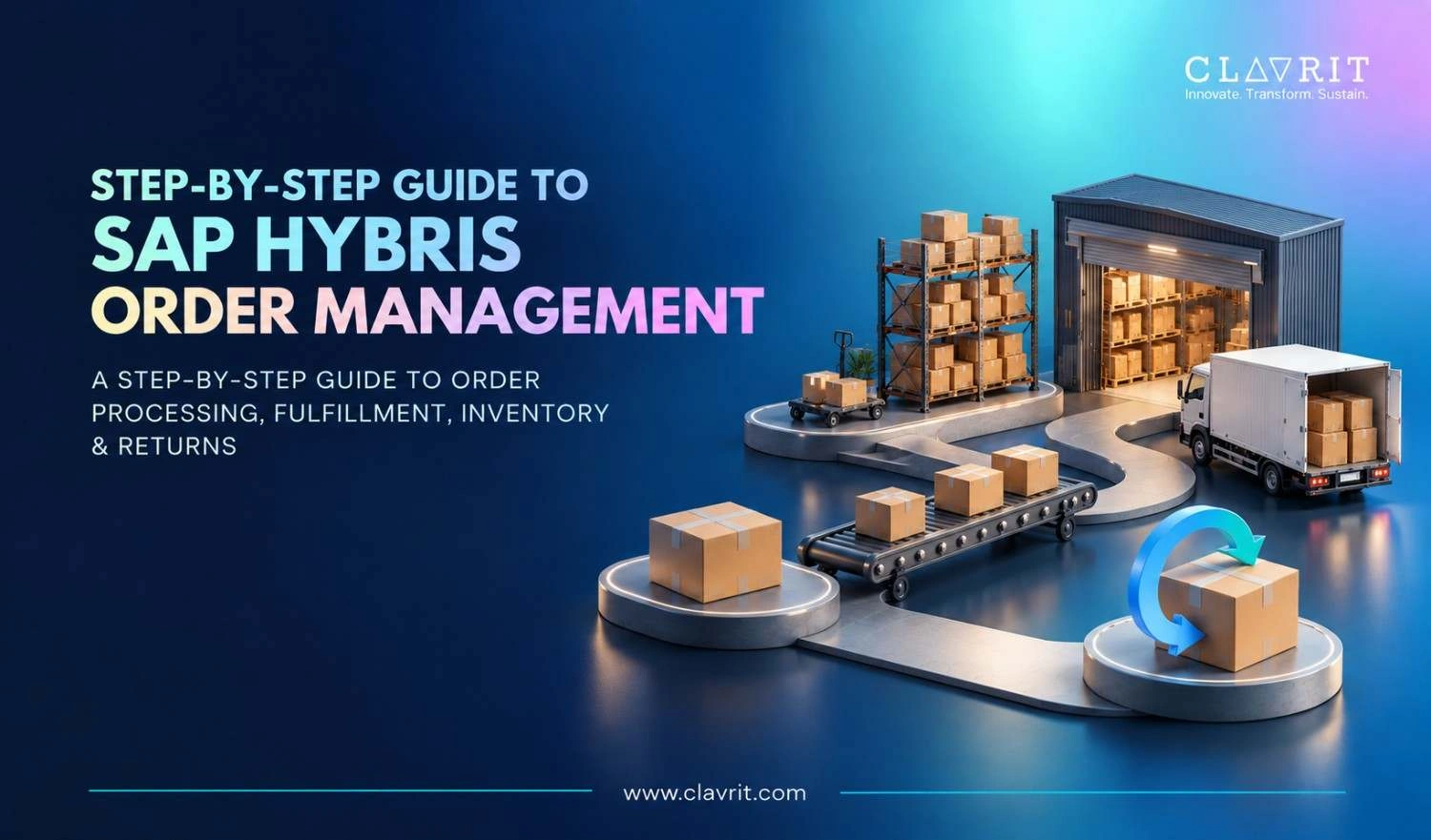
The SAP Hybris order management guide most teams need is not a technical manual, it is a clear, practical explanation of how the system works, what it does for your business, and how to set it up correctly from day one.
SAP Hybris order management, now incorporated in the SAP Commerce Cloud, provides organizations with a centralized tool for overseeing the entire order process across all sales channels, including order placement, order fulfilment, shipping, and product returns. For companies involved in sophisticated omni-channel activities, it is one of the most advanced order management systems on the market.
What Is SAP Hybris Order Management?
SAP Hybris order management is the order management module within SAP Commerce Cloud. It consolidates demand, inventory, and supply data into a single interface giving operations teams real-time visibility across every channel and fulfillment location.
The system enables order lifecycle management, instantaneous inventory monitoring, and multi-channel functions that allow business processes to be smoothly executed through online, in-store, and mobile retailing.
When it comes to B2B and B2C operations where organizations have to manage both business streams at the same time, this unified view helps to overcome data silos and dependency on manual communications that prolong the fulfillment process and raise the chances for mistakes.
Key Features of SAP Hybris Order Management
Omnichannel order processing: orders from the net, brick-and-mortar stores, call centers, or mobile communication devices are united in a single cockpit.
Real-time inventory visibility: stock availability data are available for all locations simultaneously preventing overselling.
Flexible fulfillment methods: home delivery, click and collect, and same flexibility regarding returning.
Order splitting and organizing: orders are split between semantic points of fulfillment in accordance with stock availability.
Returns and refunds handling: a special cockpit is responsible for returning the orders.
Integration of ERP and CRM: the systems are connected.
Step-by-Step SAP Hybris Order Management Setup
Step 1: Map Your Order Management Requirements
Prior to configuring, it's important to first write down every channel through which orders receive, every place to which orders are sent, and every integration that is necessary such as ERP and warehouse management in addition to payment and taxation systems.
This mapping determines the features that need to be activated and what the sourcing rules should be.
If skipped, it can completely change the processes and result in a workflow that does not reflect the actual way of doing business.
Step 2: Configure the Order Management Cockpit
Put your fulfilment sites, storage facility structures, and search features in place for use in regular operations. Identify user roles and authorization levels at this point. The warehouse personnel, customer service reps, and operations managers will require a variety of views and actions.
Step 3: Set Up Inventory and Sourcing Rules
Configure your sourcing strategy based on fulfillment priorities, proximity to customer, stock levels, or cost of fulfillment. The Available to Sell (ATS) strategy ranks stockrooms based on stock available for each order. For multi-warehouse operations, this is where most configuration complexity lives.
Step 4: Configure Fulfillment Workflows
Define the step-by-step process for each order type - standard delivery, click and collect, and split shipments each require separate workflow configuration. Set up pick slip, pack slip, and shipping label generation so warehouse teams have everything needed without manual intervention.
Step 5: Set Up Returns and Refunds Processing
Set return eligibility criteria, repayment options, and restocking processes in the Returns and Refunds Cockpit. Users can locate return orders via the order number or SKU, find manual and automated returns, and modify the reimbursement amount. Automating the returns procedure minimizes processing time and enhances the customers' experience.
Step 6: Integrate With External Systems
Connect SAP Hybris order management to your ERP for financial reconciliation, your warehouse management system for fulfillment execution, and your payment provider for capture and refund processing. Test every integration end-to-end before go-live integration failures are the most common cause of post-launch problems and almost always detectable in testing.
Step 7: Train Your Team and Go Live
Before the launch of the project, the employees at the warehouse, the customer service representatives and the staff of the operations department shall be trained in their respective jobs. Running the parallel period of operations is advisable, if possible, to process the orders in both the new system and the old one for testing purposes.
Common Implementation Challenges
The problems mentioned above can be anticipated and avoided. The main challenges are listed below:
Inaccurate requirement mapping will lead to failures of the agents controlling processes.
Failure of OMS integration with ERP will lead to manual processes some of which might be highly time-consuming.
Lack of effective user training will obligate staff to seek ineffective methods of performing their tasks.
Insufficient testing of problematic situations with orders that are split, and partial returns is not carried out.
When mastered, SAP Hybris order management leads to continued increases in sales and lower costs of inventory upkeep.
How Clavrit Supports Your SAP Hybris Implementation
Clavrit's SAP CX team helps enterprises implement and optimize SAP Hybris order management from requirements mapping through go-live and beyond:
Requirements and process mapping - document order flows and integration needs before configuration begins
Cockpit configuration - sourcing rules, fulfillment workflows, and user roles aligned to your operations
ERP and third-party integration - fully tested connections to warehouse, payment, and financial systems
Returns configuration - automated returns workflows that reduce manual handling
User training and adoption - role-specific training for every team using the system
Post go-live optimization - ongoing support as order volumes and channel complexity grow
Conclusion
SAP Hybris order management solution provides enterprises with the omnichannel visibility and fulfilment flexibility expected in today's commerce. The value it adds depends on how well it is set up, integrated, and used.
Following the step-by-step SAP Hybris order management guide - starting from the requirements mapping to integration testing and user training, is what determines the success of implementations providing real operational gains as opposed to those creating additional complexities without solving problems.
FAQs
1. What is SAP Hybris order management?
SAP Hybris order management is the order management component of SAP Commerce Cloud. This solution consolidates order capture, inventory view, fulfilment routing, and returns function for all sales channels - allowing organizations to have a single system for managing the entire order lifecycle from order placement to delivery and returns.
2. What are the key steps in setting up SAP Hybris order management?
The key steps in this SAP Hybris order management guide are requirements mapping, cockpit configuration, sourcing rule setup, fulfillment workflow definition, returns configuration, external system integration, and user training. Getting requirements mapping and integration right before go-live prevents the most common and costly implementation problems.
3. What are the most common SAP Hybris order management implementation challenges?
Failure to map requirements completely, missing integrations with ERP or warehouse systems, poor training, and cases that are not tested enough such as split orders and partial returns. The best firms preempt these issues, preferably with an experienced partner.