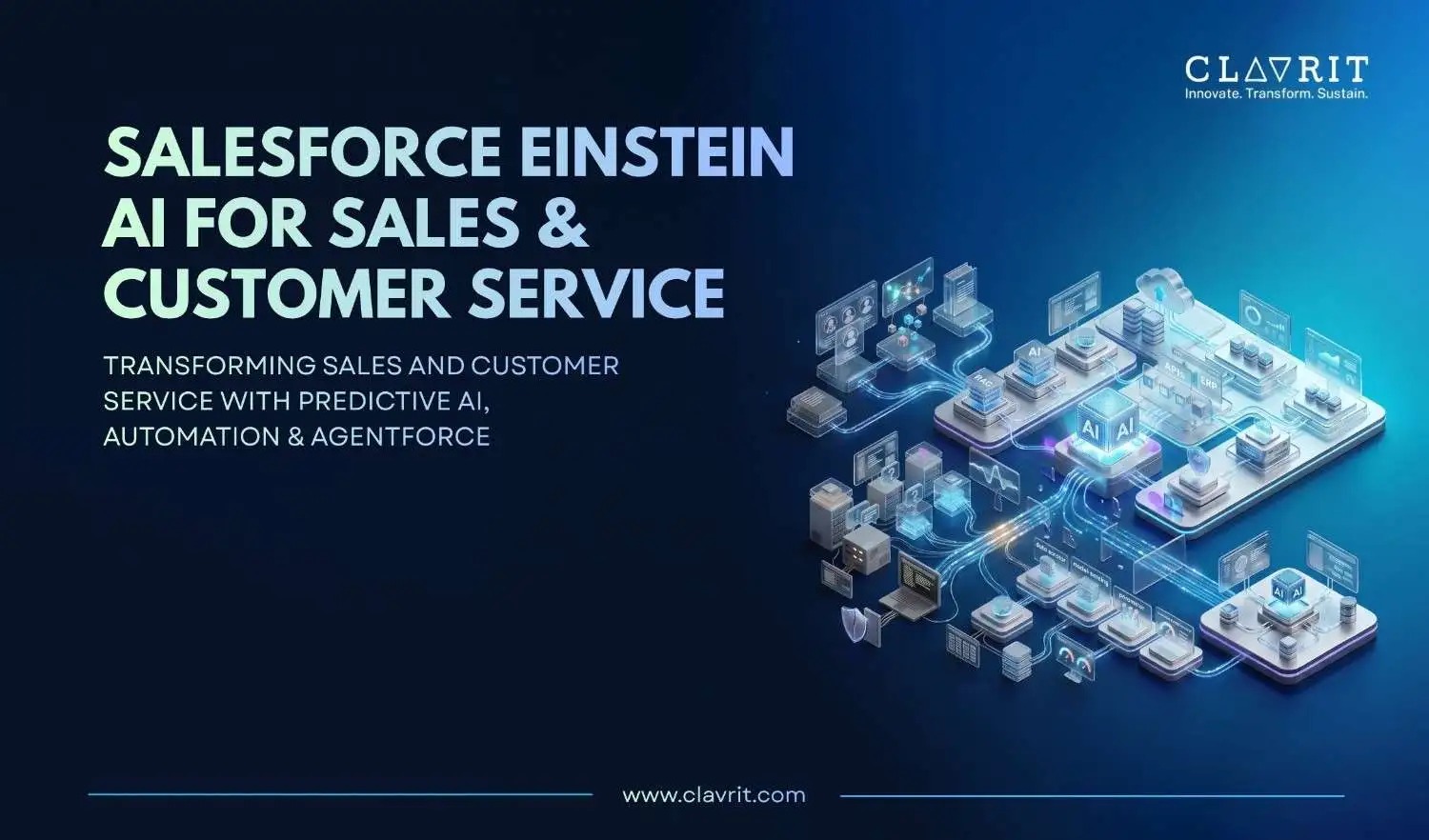
Salesforce Einstein AI is no longer just a collection of experimental AI features. In 2026, Salesforce combines predictive intelligence, generative AI, automation, and Agentforce to help sales and service teams work with CRM data and automate defined business processes.
But the technology itself is not the hard part.
The real challenge is deciding which Salesforce Einstein AI features are worth implementing, whether the underlying data is ready, how much the AI will cost, and where human review is still needed.
There is also a terminology change worth knowing. What Salesforce previously called Einstein Copilot has been upgraded to Agentforce. Salesforce confirms that Einstein Copilot for Salesforce was renamed Agentforce, with the change beginning in January 2025.
https://www.salesforce.com/agentforce/einstein-copilot/
For organizations evaluating Salesforce AI today, this distinction matters because Agentforce moves beyond simple conversational assistance into configured AI agents that can retrieve information, reason over tasks, and execute approved actions.
What Salesforce Einstein AI Actually Is
Salesforce Einstein AI is the AI capability built into the Salesforce platform. It covers predictive analytics, generative AI, recommendations, automation, and AI-powered agents across sales, service, and other Salesforce workflows.
The important point is that Einstein is not a separate AI system that needs to replace the CRM. It works within the Salesforce environment and uses the data, metadata, permissions, workflows, and business context available to the organization.
That makes data quality a central part of implementation. A sophisticated model cannot compensate for incomplete customer records, inconsistent opportunity stages, outdated knowledge articles, or poorly structured processes.
Salesforce's own experience with Agentforce reinforces this point. During its first year using Agentforce internally, Salesforce reported that one early sales-development agent responded “I don't know” to 30% of lead-detail questions. After data cleanup and iterative improvement, that figure dropped below 10%.
https://www.salesforce.com/news/stories/first-year-agentforce-customer-zero/
The lesson is straightforward: AI performance is strongly connected to the quality and consistency of the data behind it.
Key Salesforce Einstein AI Features for Sales Teams
Predictive Lead Scoring
Einstein Lead Scoring ranks scored leads using factors such as historical conversion patterns, engagement, and behavioral data.
The commonly displayed scoring range is 1 to 99, but the data requirements depend on how the predictive model is built. Salesforce documentation states that a customer-specific model for a segment requires at least 1,000 leads created in the previous 200 days and 120 converted leads for that segment. When an unsegmented dataset does not meet the requirements for a customer-specific model, Salesforce can use a global model instead.
https://help.salesforce.com/s/articleView?id=ai.einstein_sales_els_setup_considerations.htm&type=5&
This means organizations should assess their lead volume and segmentation before assuming which scoring model will apply.
Instead of treating every lead equally, sales teams can use the score to prioritize leads with stronger signals of conversion.
Agentforce for Pipeline Intelligence
Salesforce's earlier Einstein Copilot has been upgraded to Agentforce. Agentforce supports conversational interactions with Salesforce data and can execute configured actions through the Salesforce platform. Salesforce - Agentforce
For sales teams, this can mean asking questions about pipeline activity, account information, opportunities, or sales tasks without manually moving through multiple reports.
The value depends on how the agent is configured. A useful sales agent needs access to trusted CRM data, clear instructions, defined actions, appropriate permissions, and escalation paths.
Einstein Conversation Insights
Einstein Conversation Insights analyzes recorded sales conversations to identify topics, summarize discussions, and surface relevant follow-up information.
For sales managers, this turns recorded conversations into a source of coaching and deal information rather than requiring every call to be reviewed manually.
The benefit is strongest when conversation data is connected to the wider sales process and the organization has clear rules for how generated insights are reviewed and used.
Deal Forecasting and Next Best Action
Einstein supports opportunity forecasting by analyzing available opportunity data and historical patterns.
Next Best Action recommendations can also surface suggested actions based on configured business rules and available customer information.
The objective is not to replace the sales manager's judgment. It is to give the team another data point when deciding which deal needs attention, what action to take, and where pipeline risk is increasing.
Key AI Features for Customer Service
Automated Case Classification and Routing
Einstein categorizes incoming cases and routes them based on information such as issue type, customer data, and agent skills.
This addresses one of the most repetitive parts of service operations: manually reading every incoming request and deciding where it should go.
Better routing can also help teams separate simple requests from cases that require specialist knowledge.
AI-Generated Case Responses
Einstein generates response drafts for common service requests, while agents review, edit, and approve the final response.
Relevant knowledge content can also be surfaced alongside the draft.
This creates a practical human-AI workflow: AI handles the first draft and information gathering, while the service representative remains responsible for the customer-facing response.
Escalation Intelligence
Einstein analyzes case information and signals such as sentiment, response patterns, and resolution activity to identify cases that require additional attention.
This gives service managers a way to prioritize cases that may need intervention rather than waiting until the customer complaint becomes more serious.
Agentforce: From AI Assistance to Controlled Action
Agentforce is Salesforce's platform for building and deploying AI agents across sales, service, and other workflows.
Agents can be configured with instructions, subagents, actions, permissions, data sources, and business rules. Salesforce's current documentation also highlights agent setup, data preparation, and permissions as important parts of deployment.
https://help.salesforce.com/s/articleView?id=ai.agent_parent_setup.htm&type=5&
That does not mean Agentforce should operate without oversight.
Enterprise deployments need clear boundaries around what an agent can access and change. High-risk customer-facing workflows may also require human approval or escalation.
A sensible Agentforce implementation therefore includes:
Defined tasks and actions
Role-based permissions
Trusted data sources
Guardrails and business rules
Testing before production
Audit and monitoring
Escalation paths
Human review for sensitive outputs
Salesforce recommends human review for generated responses intended for external audiences because AI outputs can contain inaccurate or unsafe information. https://developer.salesforce.com/docs/ai/agentforce/guide/trust.html?
Mid-Article Takeaway
If your organization is considering Agentforce, the question should not simply be “Can we automate this?”
The better question is:
“What can we automate safely, what data does the agent need, and where should a human remain in control?”
The Einstein Trust Layer: What Enterprise Teams Need to Know
The Einstein Trust Layer is Salesforce's security and governance framework for generative AI interactions.
Salesforce documents controls including grounding, toxicity detection, audit and feedback capabilities, and zero-data-retention agreements with third-party LLM providers. Salesforce also documents data-masking capabilities in the broader Einstein Trust Layer. https://developer.salesforce.com/docs/ai/agentforce/guide/trust.html?
However, general Einstein Trust Layer capabilities should not be treated as identical to Agentforce agent behavior. Salesforce's current documentation states that pattern-based and field-based masking are disabled for agents, while zero-data-retention protections continue to apply. https://help.salesforce.com/s/articleView?id=ai.agent_trust_data_masking.htm&type=5&
The important point is that the Trust Layer does not mean third-party models are never involved. Salesforce works with third-party LLM providers and uses contractual controls such as zero-data-retention commitments.
For regulated organizations, this makes governance part of the implementation rather than something to consider after deployment.
What Does Agentforce Cost?
Agentforce pricing uses different models, including consumption-based Flex Credits, so organizations should evaluate expected usage rather than looking only at a license price.
As of September 2026, Salesforce lists:
Pricing model | Published price |
| Flex Credits | $500 per 100,000 credits |
| Agentforce action | 20 Flex Credits / $0.10 per action |
| Conversations | $2 per conversation |
| Agentforce User License | $5/user/month |
| Flat Fee Access | $125/user/month for listed Sales, Service and Field Service offerings |
The $5/user/month Agentforce User License requires Flex Credits. The $125 offering is currently described by Salesforce as Flat Fee Access, rather than simply an add-on. Pricing, entitlements, availability, buying models, and discounts can vary. https://www.salesforce.com/in/agentforce/pricing/?
For example, Salesforce's pricing page shows a sample self-service use case with two actions per customer request. At 20 requests per day, Salesforce calculates 24,000 Flex Credits per month and an example cost of $120 per month. https://www.salesforce.com/in/agentforce/pricing/?
The important ROI question is therefore not simply “What is the AI license cost?” It is how much manual work, response time, case volume, or sales capacity the implementation can realistically change.
What You Need Before Implementing Einstein AI
Before enabling Salesforce Einstein AI or Agentforce, check five areas.
1. Data readiness
Review duplicate records, missing fields, inconsistent opportunity stages, outdated customer information, and knowledge-base quality.
2. Process clarity
Document how leads are qualified, how cases are routed, which actions require approval, and when cases should escalate.
3. Permissions
Define exactly which records, fields, objects, and actions an AI agent should access.
4. Use-case selection
Start with a workflow where the problem is measurable. Examples include case classification, knowledge-based responses, lead qualification, or internal sales assistance.
5. Measurement
Define the baseline before launch. Useful measures include:
Case handling time
First-response time
Lead conversion
Forecast accuracy
Agent resolution rate
Escalation rate
Human review rate
Cost per interaction
Common Salesforce Einstein AI Implementation Mistakes
Starting with the AI instead of the business problem
A team may enable a feature simply because it is available. A better approach is to identify a measurable operational problem first.
Ignoring data quality
Poor CRM data creates poor AI inputs. Salesforce's own Customer Zero experience shows how data cleanup can materially affect agent performance. https://www.salesforce.com/news/stories/first-year-agentforce-customer-zero/?
Giving agents too much authority
An AI agent should not automatically receive broad access to customer records or business actions. Permissions should match the task.
Skipping testing
Agents should be tested against normal, unusual, and failure scenarios before production use.
Measuring adoption instead of outcomes
The number of users interacting with AI is not the same as business value. Track the operational metric the implementation was designed to improve.
Real-World Agentforce Results
Salesforce's published customer stories provide useful examples of what mature implementations can achieve.
Engine, an online travel platform, reported that Agentforce resolved 50% of chat inquiries, reduced customer-support handle time by 15%, and increased CSAT by 16%. Its service operation handles more than 800,000 requests annually. https://www.salesforce.com/customer-stories/engine/agentic-service/?
In another Salesforce case, the company reported that Agentforce made quote creation 75% faster as sellers used agents to answer product questions, generate quotes, create briefs, and support sales activities. https://www.salesforce.com/customer-stories/agentforce-for-sales-implementation/?
These figures are customer-reported Salesforce case-study results, not universal benchmarks. Actual outcomes depend on use case, data quality, workflow design, adoption, and implementation.
A Practical First 30 Days
A useful first month should focus on readiness before broad deployment.
Days 1–7: Business and data assessment
Identify the target workflow, current baseline metrics, data sources, permissions, and failure points.
Days 8–14: Use-case and architecture design
Define the agent's responsibilities, actions, escalation rules, data sources, and human-review points.
Days 15–21: Build and test
Configure the Salesforce capabilities, connect trusted data, create actions, and test normal and edge-case scenarios.
Days 22–30: Pilot and measure
Launch with a controlled user group, track the agreed metrics, review errors, and adjust the workflow before wider rollout.
This phased approach reduces the risk of treating AI activation as the same thing as AI implementation.
How Clavrit Supports Salesforce Einstein AI and Agentforce
Getting value from Salesforce Einstein AI features requires more than switching them on. Clavrit's Salesforce Services focus on Salesforce consulting, implementation, and support across enterprise environments.
A practical engagement can cover:
Salesforce environment assessment : review the existing CRM setup, data quality, workflows, integrations, and business goals.
Einstein and Agentforce configuration : configure selected AI capabilities around defined sales and service workflows.
Data readiness : identify duplicates, missing information, inconsistent records, and knowledge gaps before AI deployment.
Permissions and governance : define access, actions, approval requirements, escalation paths, and monitoring.
Pilot implementation : start with a controlled use case and establish baseline metrics before wider deployment.
Adoption and training : prepare sales representatives, service teams, and administrators to work effectively with AI-assisted processes.
Performance measurement : connect implementation activity with measurable business outcomes rather than measuring AI usage alone.
The exact timeline and Salesforce edition or add-on requirements should be scoped to the customer's environment. Salesforce currently lists Enterprise, Performance, Unlimited, and Developer editions for Agentforce setup, while required add-on licenses vary by agent type.
https://help.salesforce.com/s/articleView?id=ai.agent_parent_setup.htm&type=5&
Conclusion
The real value of Salesforce Einstein AI features in 2026 does not come from enabling the largest number of AI capabilities. It comes from choosing the right workflow, preparing the data, setting clear permissions, and measuring the result.
Einstein supports predictive sales intelligence, conversation analysis, forecasting, case automation, and AI-generated responses. Agentforce extends that capability by allowing configured agents to execute defined actions.
But successful deployment requires more than the technology. Data quality, governance, testing, human oversight, licensing, and implementation design determine whether AI becomes a useful part of the Salesforce workflow or another feature that teams rarely use.
For enterprises evaluating Einstein and Agentforce, the best starting point is a focused use case with a clear baseline, measurable outcome, and controlled rollout.
Ready to evaluate what Salesforce AI could do for your sales or service workflow? Explore Clavrit's Salesforce Services
FAQs
1. What are the key Salesforce Einstein AI features for sales teams?
Key capabilities include predictive lead scoring, Agentforce, Conversation Insights, deal forecasting, and Next Best Action. Availability depends on the Salesforce products, licenses, data, and configuration used by the organization.
2. How does Salesforce Einstein AI improve customer service?
Einstein supports case classification and routing, response drafting, knowledge retrieval, and escalation analysis. These capabilities help service teams handle repetitive work while keeping human agents involved where review or judgment is required.
3. What is the difference between Salesforce Einstein AI and Agentforce?
Einstein is the broader AI capability across Salesforce, covering predictive analytics, generative AI, recommendations, and automation. Agentforce is Salesforce's AI agent platform, designed to execute configured actions within defined permissions, instructions, and business rules.
4. Is Agentforce fully autonomous?
No. Agentforce agents operate within configured permissions, actions, instructions, data access, and guardrails. Human review and escalation remain important for sensitive or customer-facing workflows.
5. How does the Einstein Trust Layer protect Salesforce data?
The Trust Layer provides governance and security controls around AI interactions, including grounding, toxicity detection, audit and feedback capabilities, and zero-data-retention commitments with third-party LLM providers. Agentforce has specific behavior around data masking, so organizations should review the current Salesforce documentation for their configuration. Salesforce - Agentforce Trust Documentation
6. How much does Agentforce cost?
As of September 2026, Salesforce lists $500 per 100,000 Flex Credits, $2 per conversation, and 20 Flex Credits per Agentforce action. The $5/user/month Agentforce User License requires Flex Credits. Final costs depend on usage, licensing, edition, buying model, and applicable discounts.
7. What does Salesforce Einstein AI need before implementation?
Start with clean and structured CRM data, clear business processes, appropriate permissions, defined AI use cases, and measurable baseline metrics. Some Einstein capabilities also have specific data requirements. For Einstein Lead Scoring, the 1,000-lead and 120-converted-lead thresholds apply to building a customer-specific model for the relevant segment; Salesforce can use a global model when an unsegmented dataset is insufficient.
8. Is Salesforce Einstein AI available on every Salesforce plan?
No. Availability varies by Salesforce edition, cloud, add-on licenses, Agentforce configuration, data requirements, usage model, and region. Organizations should verify the requirements for their specific Salesforce environment before planning an implementation.